 MomentMal
- Home
- How it works
How MomentMal works
Making a list takes ten seconds. After that, the app handles the reminding, suggesting and keeping — so you've got time to actually do things.
Five steps to your first moment
-
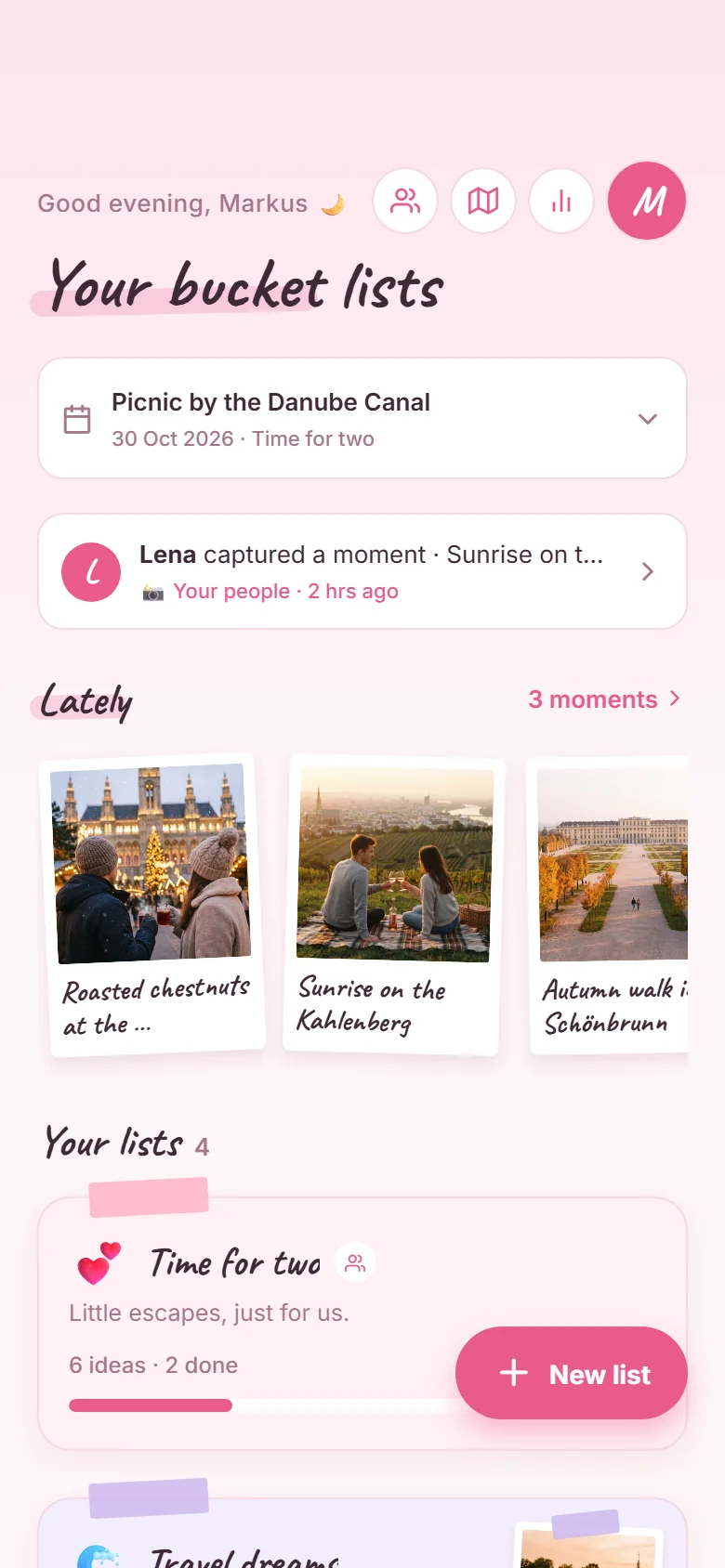
Download and sign in
MomentMal is free on the App Store and Google Play. Sign in with your email address — done.
-
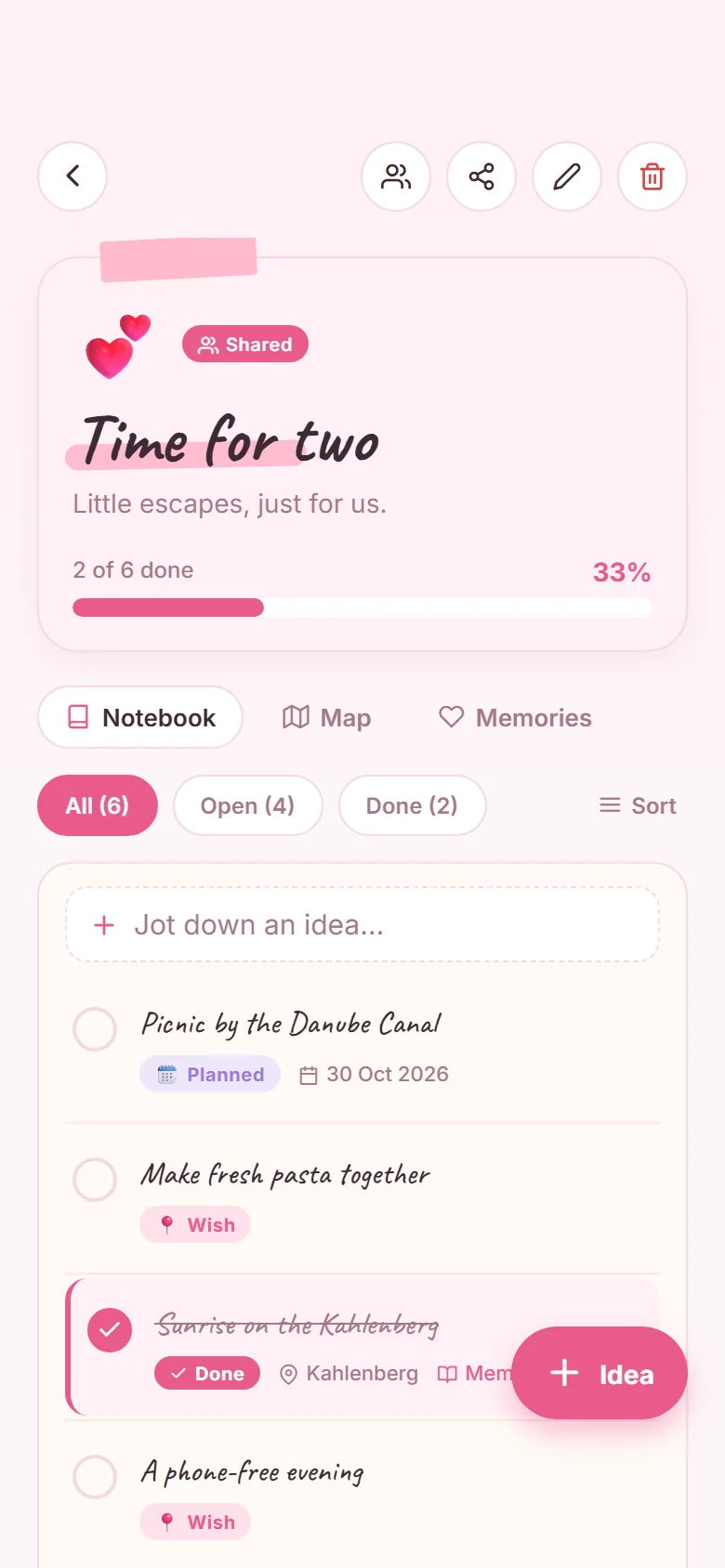
Make your first list
Give it a name, an emoji and a colour. Or grab a template: untick what doesn't fit and the rest becomes your list.
-
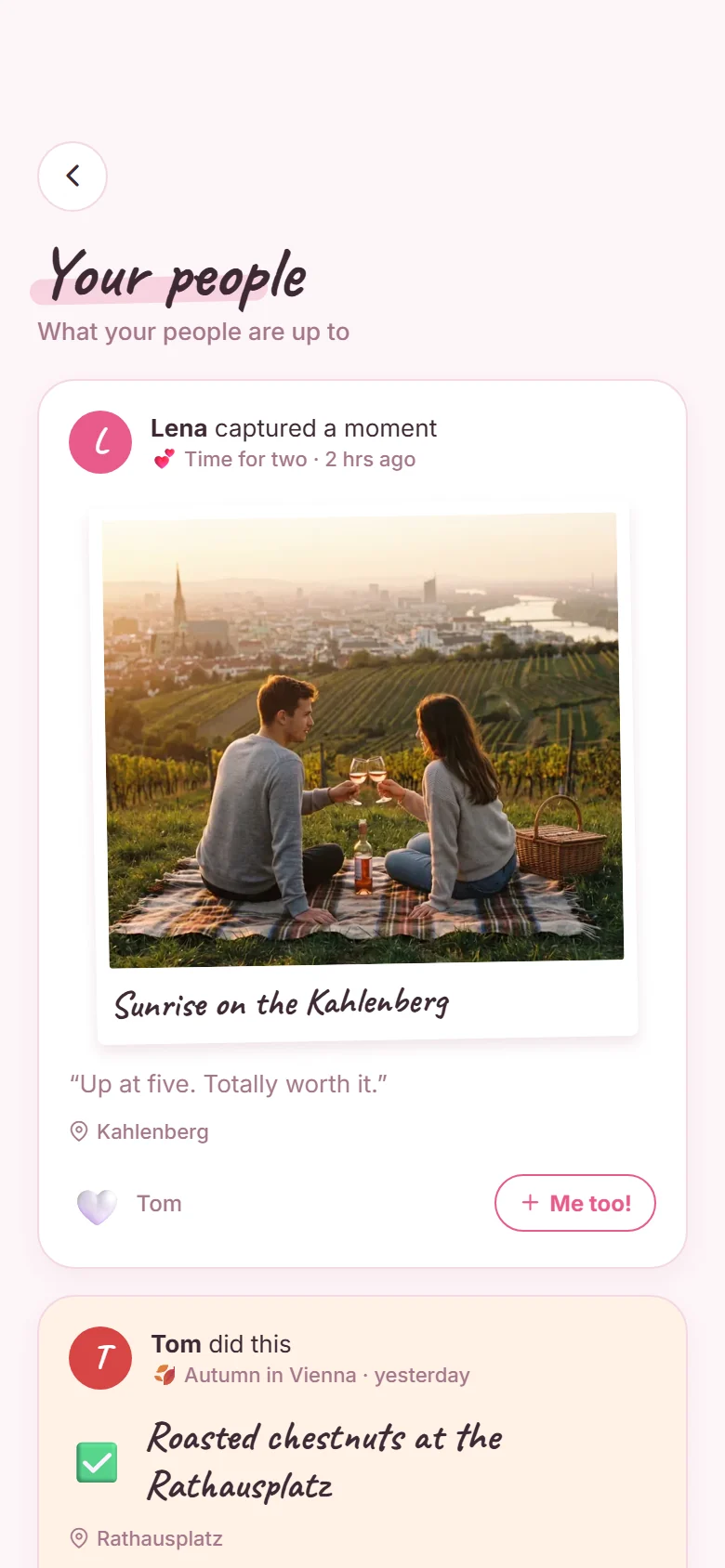
Invite your people
Use the share icon to send an invite link, for example via WhatsApp, or invite by email. Everyone sees the same list and can plan along.
-
Plan as much as you like
Every idea starts as a wish. Add a date and it's planned — the app reminds you in time. Add a place and it shows up on your map.
-
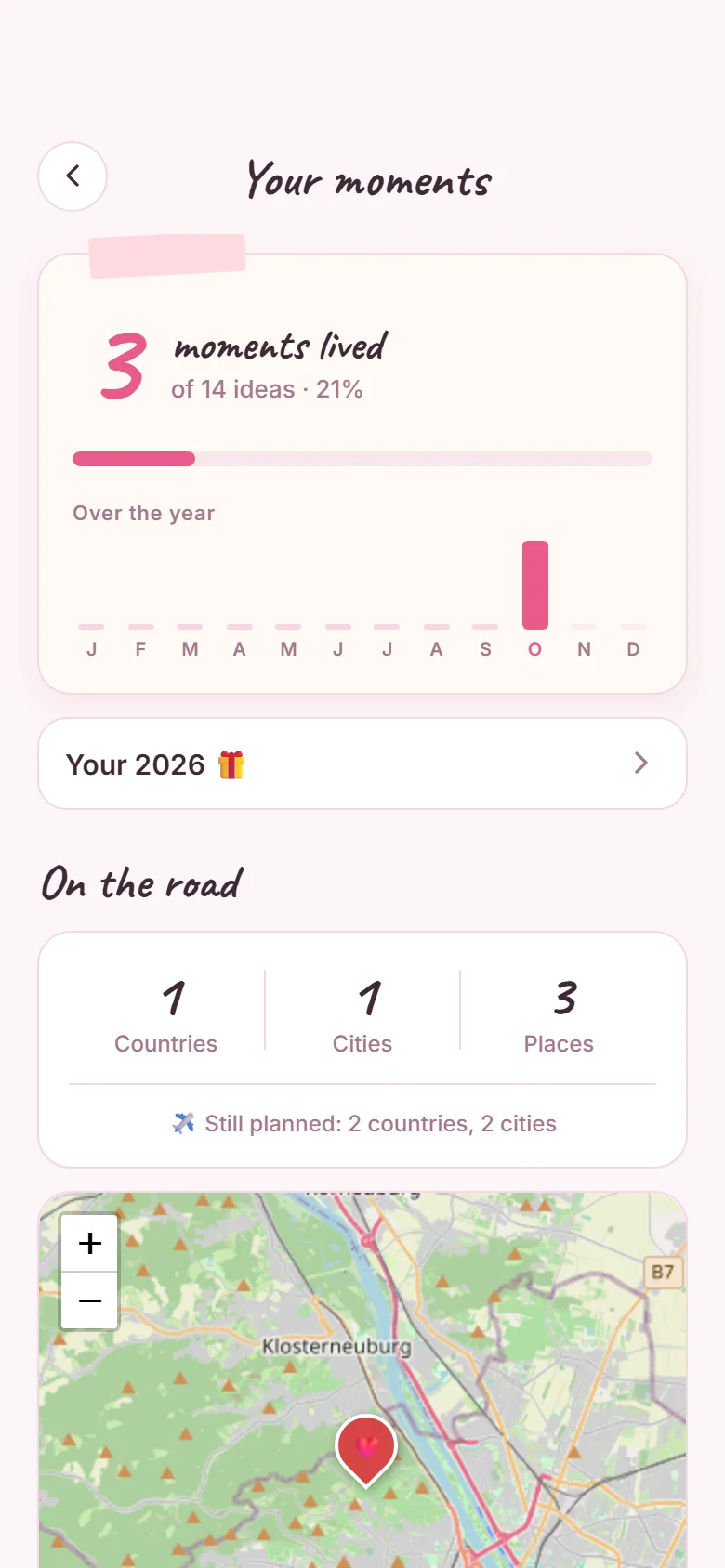
Live it, keep it
Tick off what you've done and add a photo and a few words. That's how polaroids, your map and, at the end of the year, “Your year” come together.
Everything MomentMal can do
Your data stays with your people
Lists are only visible to the people you invite. The app only uses your rough location, and only for weather tips if you turn them on. You can report and block people and delete your account in the app at any time. The details are in the app's privacy policy.